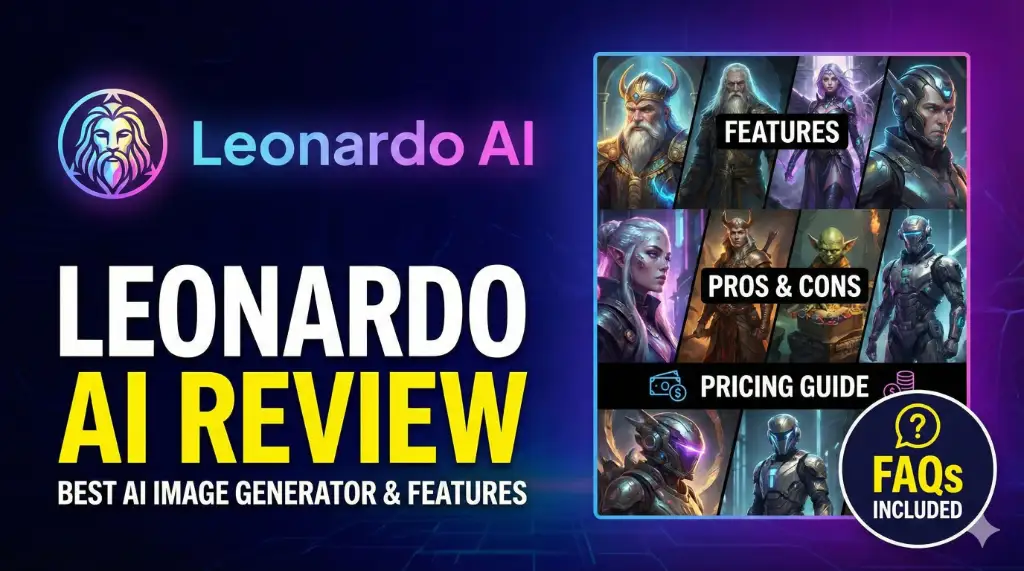
Artificial intelligence is transforming the creative world, and among the most talked-about tools today is Leonardo AI. Whether you’re a designer, marketer, YouTuber, or someone who simply loves creating stunning visuals, Leonardo AI gives you the ability to generate professional-quality images, artwork, and creative assets in minutes.
In this blog, we’ll break down everything you need to know about Leonardo AI — how it works, its best features, pros, cons, pricing, use cases, and more. If you’ve ever wished for a beautifully designed image without spending hours in Photoshop, this guide is for you.
Leonardo AI is a powerful AI-driven image generation platform that allows users to create high-quality images, illustrations, game assets, product designs, and more. It offers advanced models, custom training, upscaling, editing tools, and a user-friendly interface. Leonardo AI is ideal for designers, marketers, creators, and anyone looking to produce stunning visuals without technical skills.
What is Leonardo AI?
Leonardo AI (Leonardo.ai) is an advanced AI creative platform designed to help users generate images, illustrations, concepts, and digital artwork with just text prompts. It’s widely used by:
- Designers
- Content creators
- Marketing agencies
- Game developers
- E-commerce brands
- Social media creators
Unlike traditional design tools, Leonardo AI doesn’t require technical skills. If you can describe what you want, the tool can create it for you — from product photos and fantasy characters to logos and cinematic scenes.
Its strength lies in high-quality image models, customizable options, and the ability to train your own models to create a consistent visual style.
Why Leonardo AI is So Popular
Here are a few reasons why Leonardo.ai became a favorite among creators:
- Powerful AI models capable of detailed artwork
- Extremely easy to use
- Stunning quality outputs
- Excellent for both beginners & professionals
- Fast rendering and multiple style options
- Customizable workflows for consistent branding
- Ability to create game assets, textures, and 3D concepts
Simply put — it makes advanced design feel effortless.
Key Features of Leonardo AI
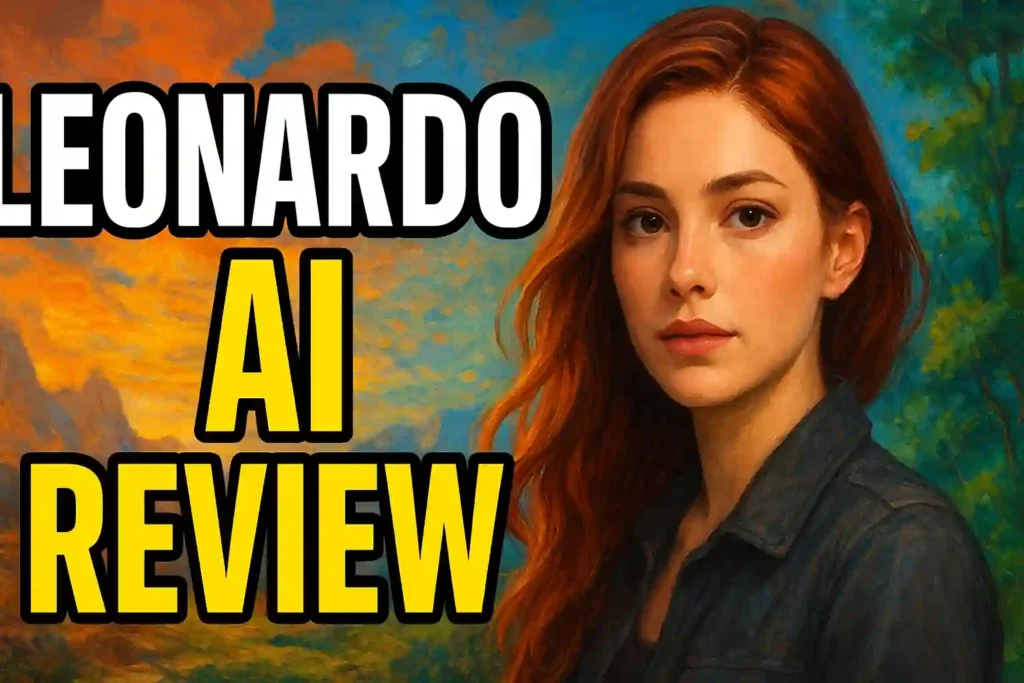
Below are the most notable features that make Leonardo AI stand out from other AI image generators:
1. High-Quality AI Models
Leonardo offers several built-in models tuned for different styles:
- Photorealistic
- 3D art
- Anime
- Digital painting
- Concept art
- Fantasy gaming assets
Each model produces premium-quality results that require minimal editing.
2. Custom Model Training
You can train AI on your own images to create:
- Characters
- Branding styles
- Product collections
- Unique art styles
This is powerful for creators who want consistency across multiple projects.
3. Canvas & Editing Tools
Leonardo includes a built-in canvas where you can:
- Edit and enhance images
- Add or remove objects
- Outpaint and expand the image
- Apply filters
- Use brushes for fine touch-ups
It blends AI generation with manual creativity.
4. AI Upscaling
Upscale your images without losing detail — perfect for:
- Posters
- Banners
- Commercial print materials
- Large-format designs
5. Background Removal & Replacement
With one click, you can remove or change backgrounds — ideal for:
- Product photography
- Social media posts
- YouTube thumbnails
- Marketing creatives
6. Preset Styles & Templates
Choose from ready-to-use styles such as:
- Cinematic
- Retro
- Hyperrealistic
- Minimal
- Cartoon
- Artistic paint strokes
These make creating professional images incredibly simple.
7. Batch Generation
Generate multiple image variations in one click — saving time for large projects.
8. Asset Generation for Games
Leonardo is famous for generating:
- Textures
- Characters
- Weapon designs
- Environment concepts
- Item icons
Game developers love this feature.
Uses of Leonardo AI (Practical Applications)
Whether you’re a beginner or a professional, here are some powerful ways to use Leonardo AI:
1. YouTube Thumbnails
Create eye-catching thumbnails in seconds.
2. Product Photography
Generate product mockups, lifestyle photos, and e-commerce graphics.
3. Branding & Logos
Create patterns, styles, and brand visuals.
4. Social Media Content
Perfect for Instagram posts, reels covers, and Facebook ads.
5. Book Covers & Posters
Writers and designers can generate covers with cinematic quality.
6. Game Development Assets
Design textures, characters, and props without hiring a large team.
7. Digital Art & Illustrations
Artists can use it for ideation and concept creation.
8. Marketing & Advertising
Generate creative ad visuals quickly.
9. Moodboards & Visual Concepts
Great for brainstorming ideas and inspiration.
Pros & Cons of Leonardo AI
Pros
- High-quality AI outputs
- User-friendly and intuitive interface
- Fast rendering
- Tons of styles and customization options
- Canvas editor with advanced tools
- Ability to train personal models
- Great for beginners and experts
- Excellent for game developers
Cons
- Some features require paid credits
- High-resolution outputs may consume more resources
- Can feel overwhelming for first-time users
- Requires good prompt-writing skills for best results
How Does Leonardo AI Work?
Using Leonardo AI is extremely simple:
- Go to leonardo.ai
- Create a free account
- Choose a model or preset
- Enter your text prompt
- Select resolution & style tweaks
- Click “Generate”
- Download or edit in the canvas
That’s it — your artwork is ready.
Who Should Use Leonardo AI?
Leonardo AI is ideal for:
- Freelancers
- Designers
- YouTubers
- Influencers
- E-commerce businesses
- Game developers
- Digital artists
- Agencies
- Marketers
- Students
Basically — anyone who wants stunning visuals without spending hours designing.
Pricing: Is Leonardo AI Free?
Leonardo AI offers:
Free Plan:
- Limited daily credits
- Access to basic models
- Great for casual users
Paid Plans (More Features):
- Higher daily credits
- Faster generation
- Custom models
- Premium tools
- Commercial usage rights
Paid plans are worth it if design is a part of your daily workflow.
Conclusion
Leonardo AI is one of the most powerful and flexible AI image generators available today. Whether you’re creating thumbnails, product mockups, game assets, or digital art, Leonardo gives you high-quality results with minimal effort. Its advanced features, customization options, and easy interface make it an essential tool for modern creators.
If you’re looking for a fast, creative, and reliable AI image generation platform — Leonardo.ai is definitely worth trying.
FAQs About Leonardo AI
1. Is Leonardo AI free to use?
Yes, Leonardo AI offers a free plan with limited daily credits. You can generate images without paying.
2. Can I use Leonardo AI for commercial projects?
Yes, paid plans provide commercial rights for images, but always check the licensing terms.
3. Does Leonardo AI require technical skills?
No, anyone can use it. Just type a prompt and the AI will generate the artwork.
4. Can I train my own model on Leonardo AI?
Yes, you can upload your own images and create a custom model for consistent visual style.
5. Is Leonardo AI better than Midjourney or DALL-E?
Leonardo excels in customization, editing tools, and game asset creation. It’s an excellent alternative depending on your needs.